EN
EN

How to Use the Infotainment System in Volkswagen Cars?
Time : 2026-01-16
Getting Started: Basic Setup for First-Time Users
Having helped hundreds of clients with Volkswagen cars at Mengma Auto, I often see new owners struggling with the infotainment system initially. Just last month, a client from South America picked up their Volkswagen Golf from our export base. They were excited about their new car but felt overwhelmed by the touchscreen and various buttons. Our service team stepped in to walk them through the basic setup. First, we connected their smartphone via Bluetooth—simple enough, but many first-timers miss the “Pair New Device” option in the settings menu. We also showed them how to adjust the display brightness and font size for better visibility. At Mengma Auto, we partner with over 60 top brands including Volkswagen, so our technicians know these systems inside out. Volkswagen cars are equipped with user-friendly infotainment systems, but a little guidance goes a long way. Our 70,000-square-meter overseas base offers hands-on tutorials for clients, ensuring they feel confident using every feature. Whether you’re pairing a phone, setting up Wi-Fi, or adjusting audio settings, our team is here to help you get started smoothly.
Navigating Core Features: Music, Calls, and Navigation
The infotainment system in Volkswagen cars is designed to keep you connected and informed without distractions. I remember a regular customer who drives a Volkswagen Tayron. They used to fumble with their phone while driving to take calls or change music until we showed them the system’s core features. Making calls is effortless—once your phone is paired, you can access your contacts directly from the touchscreen or use voice commands by saying “Call [Name].” For music, you can stream from apps like Spotify, connect via USB, or tune into FM/AM radio. The navigation feature is a game-changer too. Simply enter an address using the touchscreen or voice input, and the system provides real-time traffic updates and turn-by-turn directions. Our technicians explained to the customer that Volkswagen’s infotainment systems are integrated with high-precision GPS, ensuring accurate navigation even in remote areas. At Mengma Auto, we always test the infotainment system thoroughly before exporting any Volkswagen car. Our one-stop service includes checking all features to ensure they work perfectly, so you can hit the road without any technical hiccups.
Advanced Functions: Customization and Connectivity
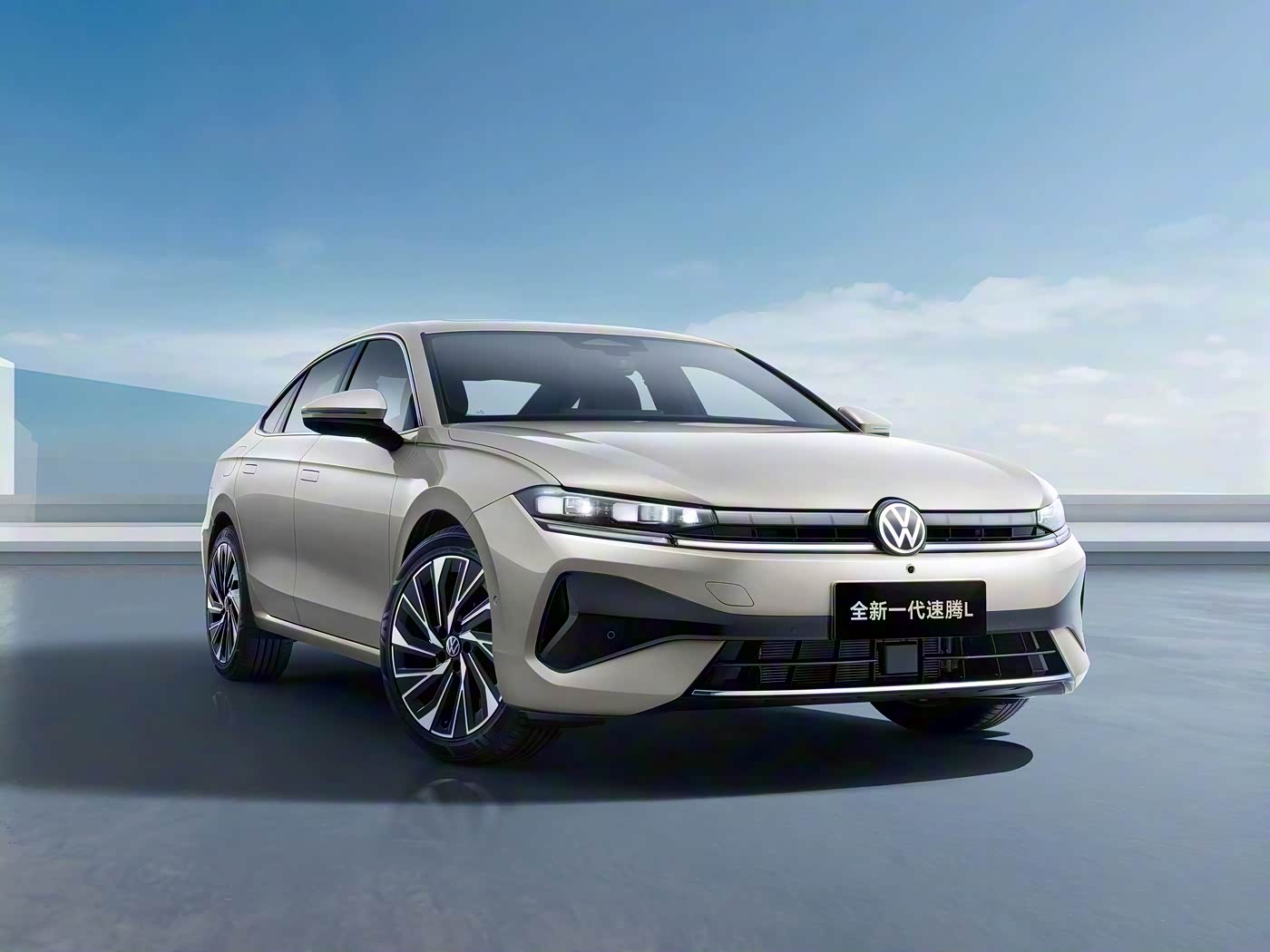
Volkswagen cars offer a range of advanced infotainment functions that let you customize your driving experience. A client from Europe recently asked us about personalizing their Volkswagen Tiguan’s system. We showed them how to create driver profiles, where they can save preferred audio settings, seat positions, and navigation favorites. They were thrilled to learn that multiple family members could have their own profiles. Another useful feature is App-Connect, which allows you to mirror your smartphone’s screen on the infotainment display. This means you can use apps like Google Maps or WhatsApp directly from the car’s screen, keeping your hands on the wheel and eyes on the road. According to Volkswagen’s official user guide, App-Connect supports Apple CarPlay, Android Auto, and MirrorLink, making it compatible with most smartphones. Our team at Mengma Auto is well-versed in these advanced functions. We provide detailed guides and demonstrations to help clients make the most of their Volkswagen cars’ infotainment systems. With our professional support, you can unlock all the system’s potential and enjoy a personalized driving experience.
Troubleshooting Common Issues: Quick Fixes for Smooth Use
Even the most reliable infotainment systems can run into glitches, but most issues with Volkswagen cars have simple solutions. Last year, a client from Southeast Asia contacted us because their Volkswagen Passat’s infotainment screen froze. They tried turning the car off and on, but the problem persisted. Our technicians advised them to perform a soft reset—pressing and holding the power button for 10 seconds. It worked like a charm! Another common issue is Bluetooth connectivity problems. If your phone won’t pair, check if Bluetooth is enabled on both devices and ensure no other devices are connected. If the system is slow, clearing cached data or updating the software can help. At Mengma Auto, we have access to Volkswagen’s official technical resources, so we can quickly diagnose and resolve any infotainment issues. Our after-sales support team is available 24/7 to assist clients with troubleshooting. We also offer software update services at our overseas base, ensuring your Volkswagen car’s infotainment system is always running the latest version with new features and bug fixes.
Mengma Auto’s Support: Ensuring You Master Your Volkswagen’s Infotainment System
At Mengma Auto, we’re committed to providing global clients with more than just high-quality Volkswagen cars—we want you to fully enjoy every feature, including the infotainment system. Our comprehensive automotive export hub integrates vehicle sourcing, testing, certification, and after-sales support. We’ve exported over 4,500 vehicles worldwide, and our experience with Volkswagen cars is unmatched. Our certified technicians receive regular training on the latest Volkswagen infotainment systems, so they can provide accurate and helpful guidance. We also partner with trusted brands like Anbang Insurance and Bank of Hangzhou to offer additional benefits to our clients. Whether you’re a first-time Volkswagen owner or need help with advanced functions, our team is here to support you. We provide step-by-step tutorials, troubleshooting tips, and personalized assistance to ensure you master the infotainment system. With Mengma Auto, you can rest assured that your Volkswagen car is not only reliable and safe but also a joy to drive. Let us help you make the most of your driving experience with professional support and top-notch service.